THE PHYSICAL HARDWARE

Home Lab Equipment

This section explains the physical hardware that makes up a modern, reliable home lab in plain English. Every item is marked REQUIRED (needed for a working lab), RECOMMENDED (needed for a reliable lab) or CONDITIONAL (only needed for certain designs). Select any item below to explore its parts, types and buying checks.

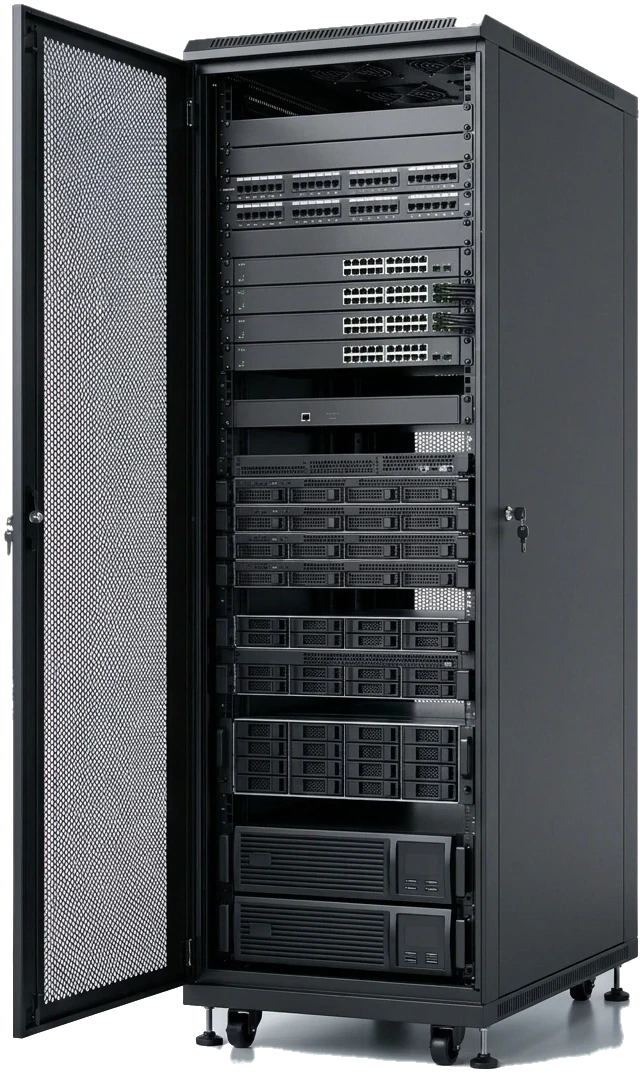
Enclosed floor-standing server rack cabinet holding organised networking and server gear
01CONDITIONAL

Server Rack or Cabinet

A metal frame or enclosed cabinet that organises networking gear, servers, storage and backup power neatly in one place. Optional for small setups, very helpful as your lab grows.

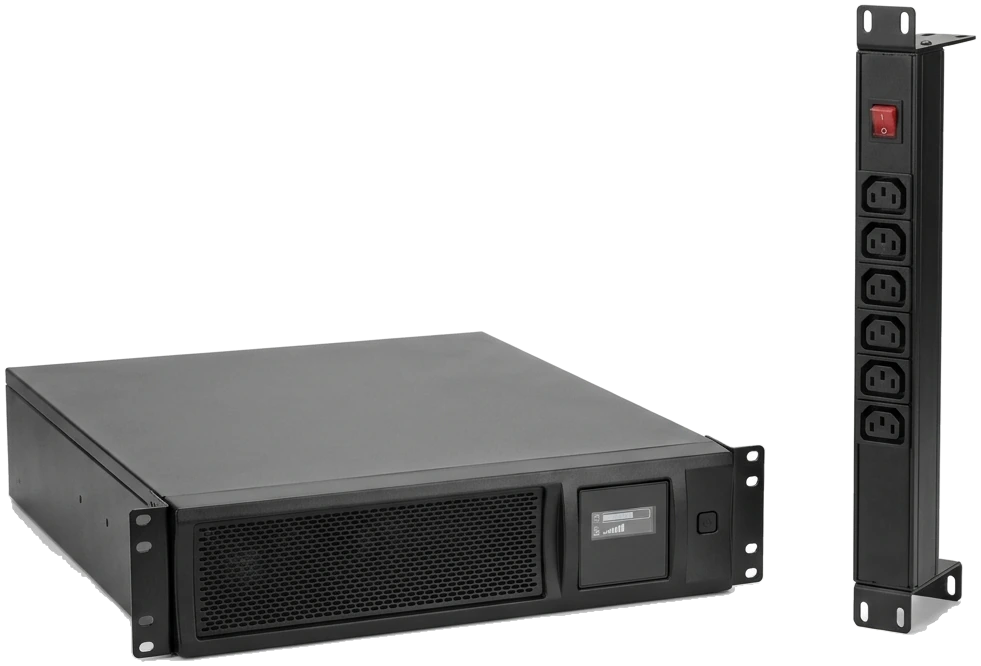
Uninterruptible Power Supply (UPS) battery backup units and rack power distribution strip
02RECOMMENDED

Backup Power & Surge Protection (UPS)

An Uninterruptible Power Supply (UPS) holds battery power so your home lab stays running through brief cuts and shuts down safely during long outages, while surge protection guards against voltage spikes.

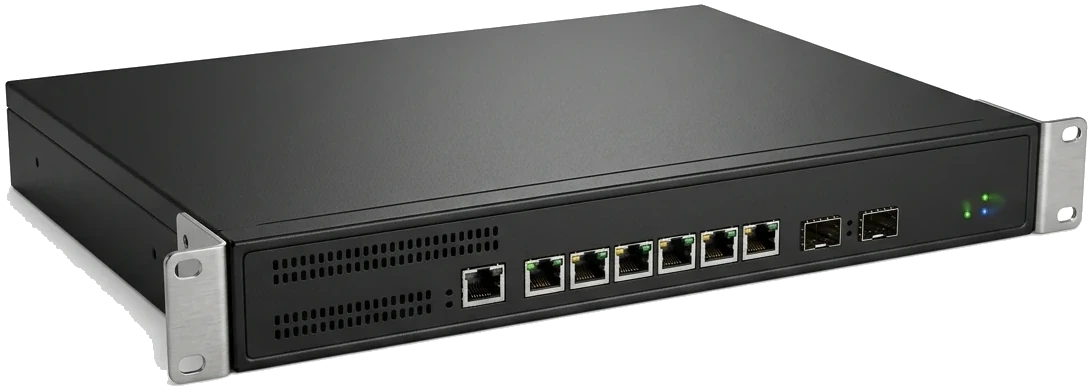
Dedicated multi-port router and firewall appliance with network ports
03REQUIRED

Internet Connection, Router & Firewall

Your internet provider’s modem or fibre box brings internet into your home, and your router and firewall share it safely, give devices local addresses and block unwanted traffic.

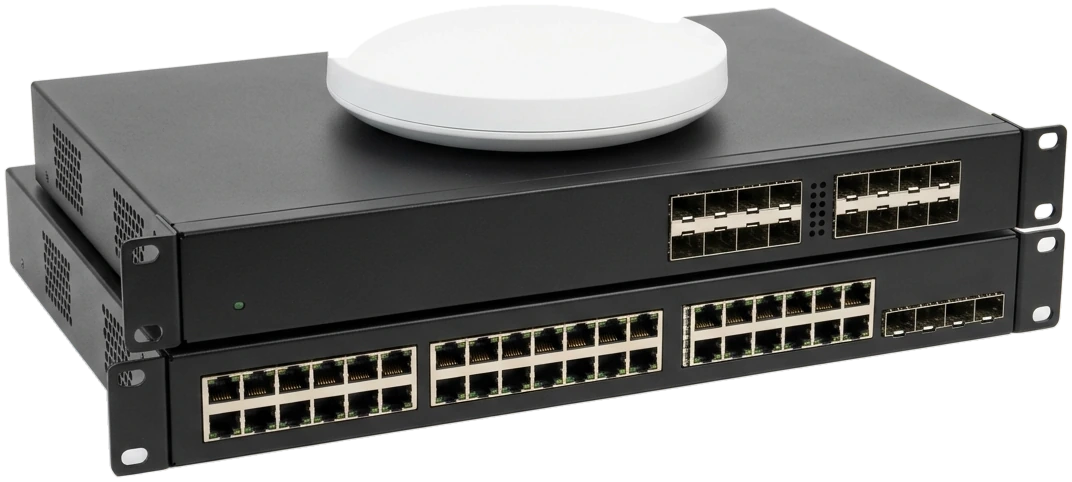
Managed network switch with Ethernet and fibre uplink ports
04REQUIRED

Managed Network Switch & Wi-Fi Access Points

A managed switch connects all your wired devices, separates traffic into private network lanes (VLANs) and powers ceiling or wall Wi-Fi access points over a single network cable.

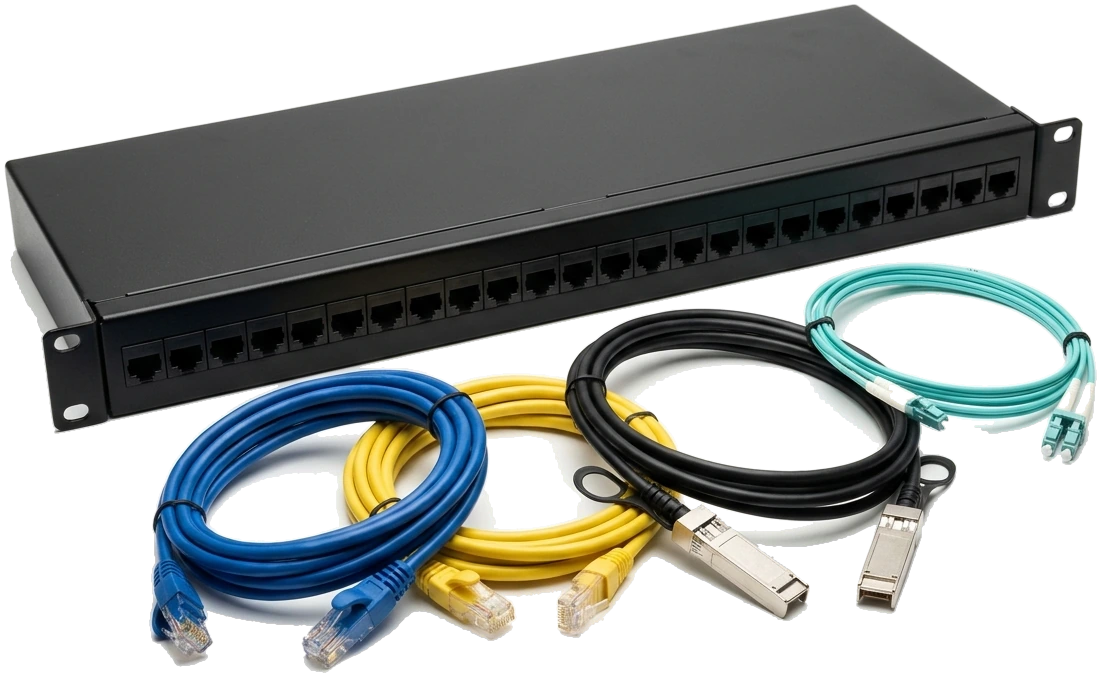
Structured cabling patch panel with neat labelled Cat6A sockets
05RECOMMENDED

Cabling & Patch Panels (Structured Cabling)

Permanent in-wall network cabling (Cat6A pure copper) ending at wall jacks and a labelled patch panel, connected to your switch with short flexible patch cords: plus fibre and DAC links for 10 Gigabit speeds.

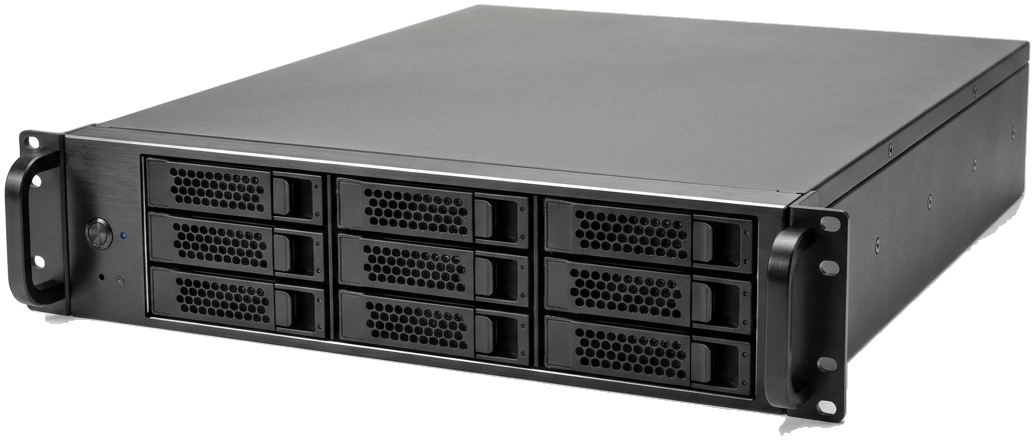
Rackmount compute server chassis with front ventilation and status lights
06REQUIRED

Servers (Compute & Virtualisation)

A reliable computer that stays switched on day and night to run your virtual machines, containers and apps: ranging from a quiet mini PC or tower desktop up to a rackmount server.

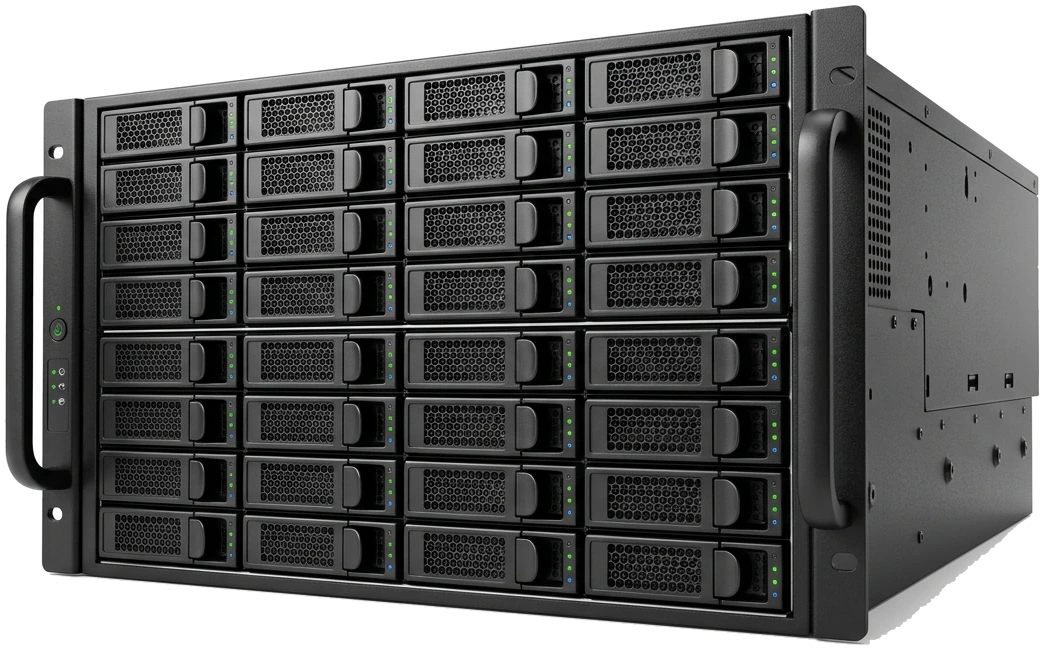
Multi-bay Network Attached Storage (NAS) chassis with hot-swap drive bays
07REQUIRED

Storage & Network Attached Storage (NAS)

Central file storage and Network Attached Storage (NAS) using reliable CMR drives and drive redundancy so your photos, documents and backups stay safe and reachable across your network.

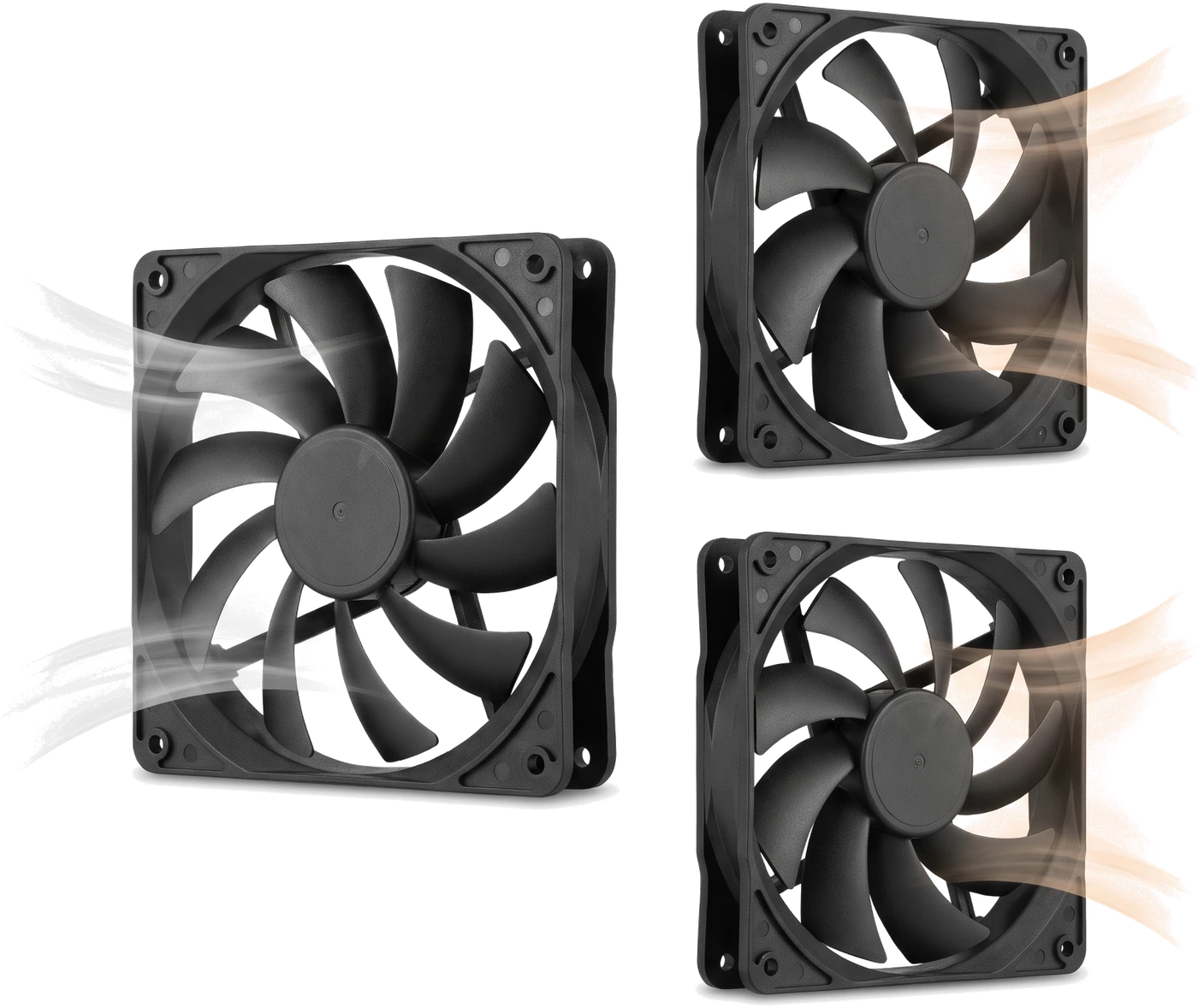
Three cooling fans showing cool air intake and warm exhaust airflow
08RECOMMENDED

Cooling, Airflow & Environment

Steady fresh airflow, dust control, front-to-back fan alignment and simple temperature monitoring that keep your home lab quiet, healthy and reliable year-round.

Keep These Four Principles in Mind Before You Buy

No Duplicate Gear

Do Not Buy Duplicate Functions

Every device should have a job no other device already does. An all-in-one gateway does not need a second router, a switch with enough Power over Ethernet does not need extra power injectors, and a server running NAS software does not need a separate NAS box unless you want storage kept independent.

Standards First

Brand Is Not a Requirement

Any trustworthy manufacturer that meets the technical standards and provides security updates works well. Focus on real specifications: port speeds, driver support, quiet cooling and power efficiency: rather than paying extra for a logo.

Real Running Cost

Check Yearly Electricity Cost

Estimate yearly power use with idle watts × 8.76 = kilowatt-hours (kWh) per year. A quiet 25 W mini PC uses about 219 kWh per year, while an old 150 W enterprise server uses about 1,314 kWh per year. Start with your real purpose, not a giant shopping list.

Security Reality

Self-Hosting Is Not Automatically Private or Secure

Running your own services keeps your data on hardware you own, but it does not make it safe by itself. Real security comes from keeping software updated, locking down access, using encrypted remote access (VPN) and testing your backups.

Equipment Compatibility Checklist (Before You Buy)

Confirm every item below matches before placing an order:

  • Internet setup checked: you know whether your provider gives a public IP address or shares one (CGNAT), and what speed your modem or fibre box port supports.
  • Firewall network chips confirmed to work smoothly with your chosen firewall software.
  • Switch Power over Ethernet (PoE) total watt budget covers all Wi-Fi access points and cameras.
  • Each Wi-Fi access point’s required PoE type matches what your switch supplies.
  • Network cable category matches your planned speed (Cat6A pure copper for new 10 Gigabit runs).
  • Server processor and motherboard support hardware virtualisation (and ECC memory if you plan to use it).
  • Case or rack depth comfortably fits your deepest device plus rear cables.
  • Backup power (UPS) watt rating and battery runtime fit your real measured power draw.
  • 6 GHz Wi-Fi availability confirmed under your country’s local regulations before buying Wi-Fi 6E or Wi-Fi 7 gear.