01Inside the UPS
Internal Backup Battery Pack
Stores electrical energy (usually sealed lead-acid or longer-life lithium) to power your lab the instant wall electricity fails.
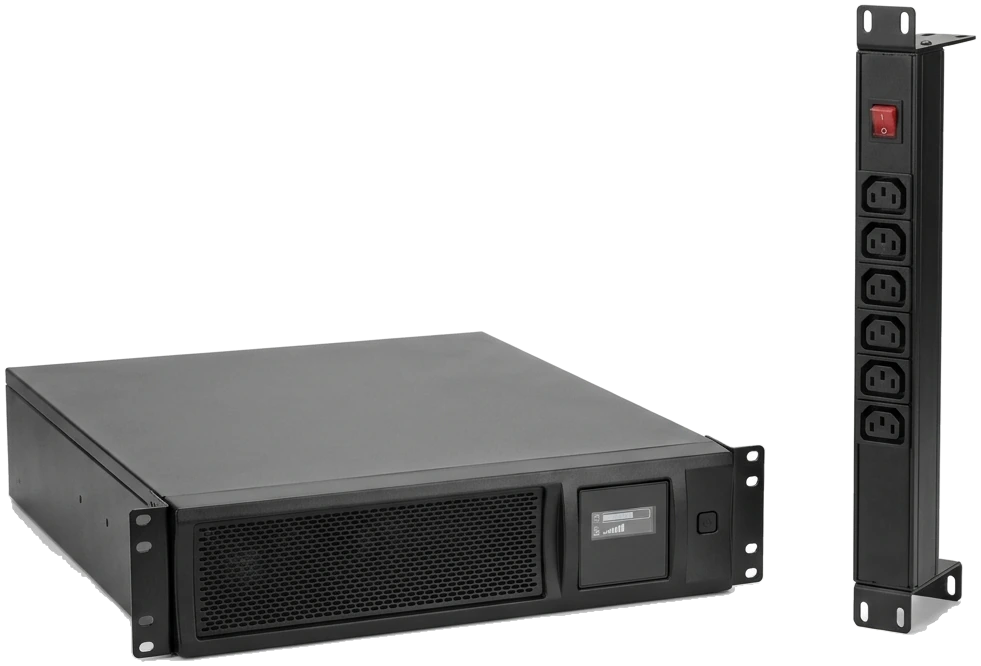
An Uninterruptible Power Supply (UPS) is a battery backup box that keeps your home lab running smoothly when wall electricity flickers, dips or cuts out completely.
A sudden power cut while a server is writing files can corrupt data, damage file systems or break running virtual machines. A UPS bridges short flickers automatically so nothing even notices, and gives your servers enough battery time (usually 10 to 20 minutes) to save their work and shut down cleanly during a longer outage.
A surge protector limits sudden high-voltage spikes from lightning or electrical grid switching, while a Power Distribution Unit (PDU) is simply a heavy-duty power strip designed to plug multiple lab devices into your UPS neatly. Where local electricity is unreliable, a UPS is effectively required.
Many boxes advertise a big "VA" (Volt-Ampere) number, which is NOT the same as real watts. Always measure your actual lab power draw in watts using a simple plug-in power meter, pick a UPS whose watt rating is comfortably higher, and check the runtime chart for that exact load.
Stores electrical energy (usually sealed lead-acid or longer-life lithium) to power your lab the instant wall electricity fails.
Smooths out small brownouts (low voltage) and mild over-voltage automatically without draining the battery.
Only plug essential lab equipment (internet modem, router, switch, server, storage) into the battery-backed sockets.
Connects the UPS to your server so free software like Network UPS Tools (NUT) can detect a power outage and shut every server down safely before the battery runs dry.
A sturdy metal power strip that mounts cleanly in a rack when you have more plugs than outlets on the back of your UPS.
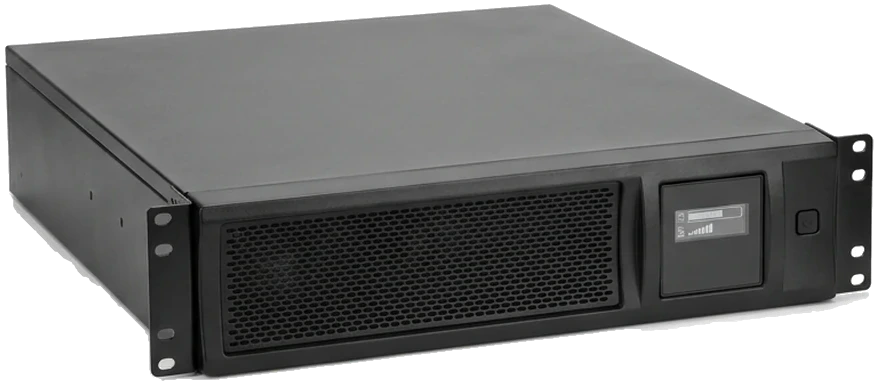
The best choice for most home labs. Corrects minor voltage dips and surges automatically without switching to battery, and outputs clean pure sine wave electricity that modern computer power supplies expect.
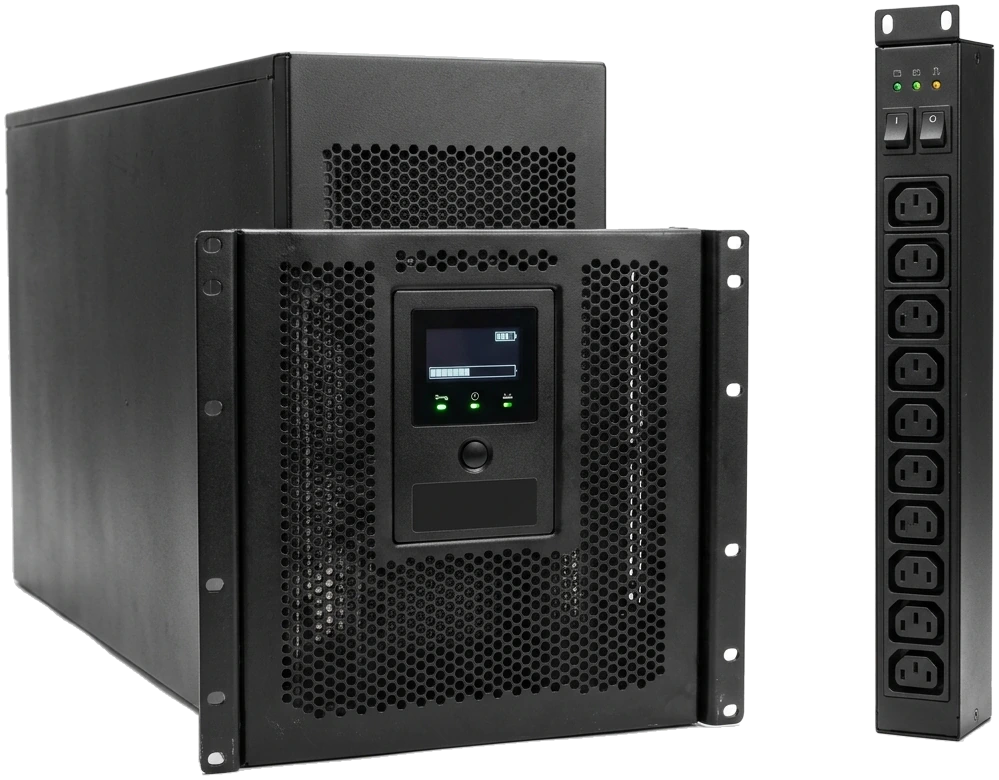
The cheapest battery backup design. Switches to battery only after wall power drops out. Fine for a tiny low-power router, but does not smooth out frequent voltage dips.
Runs your gear continuously from its own clean internal inverter with zero switchover time. Gives maximum electrical protection for very dirty power grids, but costs more, uses more electricity and has louder fans.
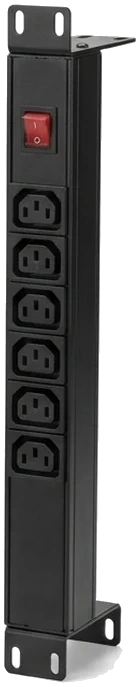
Needed only when you have many rack-mounted devices to plug in cleanly. Plugs into the UPS and provides neatly spaced sockets along the back or across 1U of a rack.
| UPS Type | How It Works | Home Lab Fit |
|---|---|---|
| Standby / Offline | Switches to battery only after a power failure | Basic; not ideal where voltage fluctuates |
| Line-Interactive (with AVR) | Smooths out small voltage dips and spikes without using battery | Recommended for almost all home labs |
| Online Double-Conversion | Always powers devices from its own clean internal inverter | Best protection, but higher cost, heat and fan noise |
Plug your home lab into an inexpensive plug-in power meter to see your true watt draw. Never guess or rely only on the bigger VA number on the box.
Pick a UPS rated comfortably above your measured watts, and check the maker’s runtime chart. Battery runtime drops steeply as load goes up.
Modern server and computer power supplies work best and stay happiest on pure sine wave output rather than rough stepped-wave output.
Make sure the UPS has a USB or network monitoring port so free tools like Network UPS Tools (NUT) can automatically shut down your servers cleanly before the battery empties.
Never exceed the rated electrical current of wall sockets, extension leads or connectors. Never plug high-draw appliances like laser printers or space heaters into a UPS. Always hire a qualified electrician for any new wall circuits or fixed mains wiring.
Add up the real watts of your internet box, router, switch, server and storage so total draw stays safely within the UPS watt limit.
Verify your chosen UPS model works with Network UPS Tools (NUT) or your server operating system for automatic safe shutdown.
A "1000 VA" UPS might only deliver 600 watts, causing it to overload and shut off the moment wall power fails.
The UPS only delays the hard crash by 15 minutes instead of letting servers shut down cleanly and safely.
A 6-year-old battery looks normal on the screen until the power cuts and everything dies in 3 seconds.
High heating surges trip the overload alarm and kill power to your servers.