Tools for Installing, Testing and Maintaining a Home Lab
You do not need a technician’s full kit. A small set of the right tools covers nearly every job. Each tool inside these sections is marked ESSENTIAL (useful for almost everyone) or SPECIALISED (needed only for specific setups like in-wall wiring or fibre).
Buy the Tool for the Job You Are Actually Doing
If you buy ready-made factory network patch cables and pre-terminated runs, you can skip crimpers and punch-down tools completely. Only buy termination tools if you plan to wire your own wall jacks and patch panels.
Installation, Assembly & Cabling Tools
Everyday hand tools for mounting hardware, installing servers, terminating permanent wall cables and keeping every cord neatly labelled and bundled.
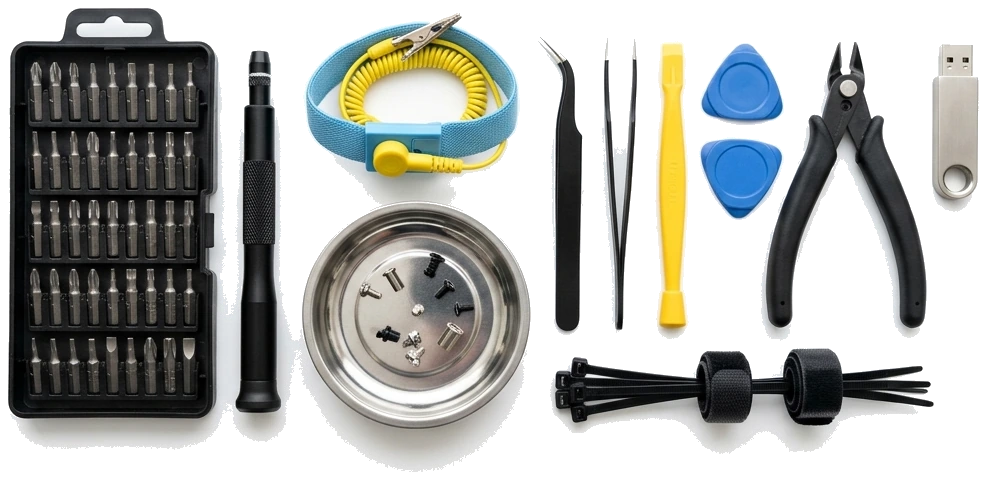
Included Categories
- Cable Termination and Preparation
- Assembly and Rack Installation
- Cable Management and Labelling
Testing, Diagnostics & Maintenance Tools
Simple testers, power meters, console cables, specialised fibre-optic tools and cleaning gear that verify your wiring, measure real power cost and keep hardware healthy.
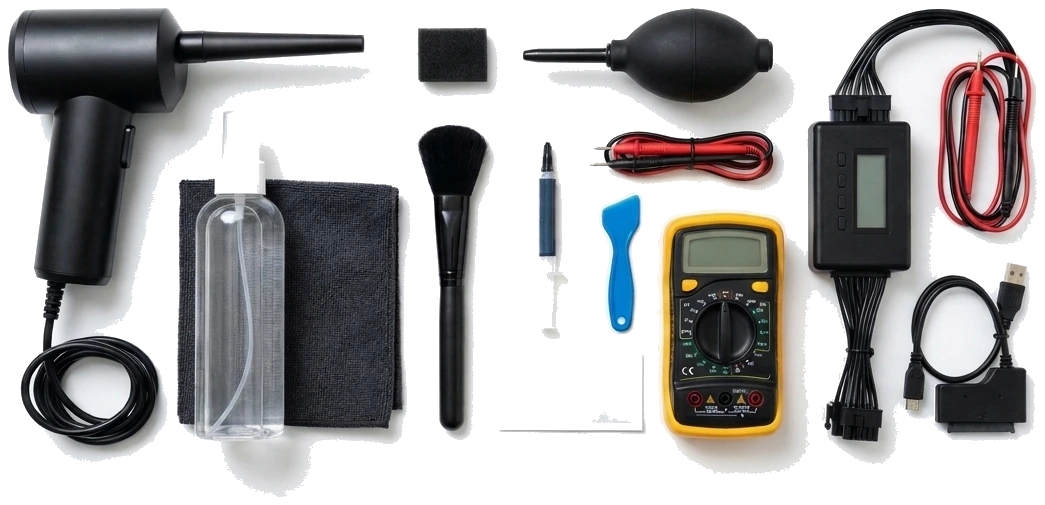
Included Categories
- Testing and Diagnostics
- Optical Fibre Tools [SPECIALISED]
- Cleaning & Drive Maintenance
Software, Planning & Diagnostic Utilities
Bootable USB installers, password managers, diagram tools and free network/drive testing utilities used to install, verify and run your home lab smoothly.
Included Categories
- Essential Installation & Planning Media
- Free Diagnostic & Verification Software
- Core Home Lab Software Platforms (Brand-Neutral Examples)
Essential Starter Set
- Basic cable wiremap tester, flush cutters (plus stripper & punch-down tool only if terminating wall runs)
- Magnetic screwdriver set, tape measure, spirit level (and a cage-nut tool if using a rack)
- Velcro cable ties, label printer or cable labels, and a hands-free headlamp
- Plug-in power meter, laptop with Ethernet & USB-serial console cable, and a 16 GB+ USB flash drive
Electrical & Workspace Safety
Switch equipment off and unplug it from the wall before opening any computer or server case. Never work on fixed mains wall wiring yourself: always hire a qualified electrician. Use a sturdy, stable ladder when mounting ceiling Wi-Fi access points or running overhead cables, and never look into an optical fibre cable end.