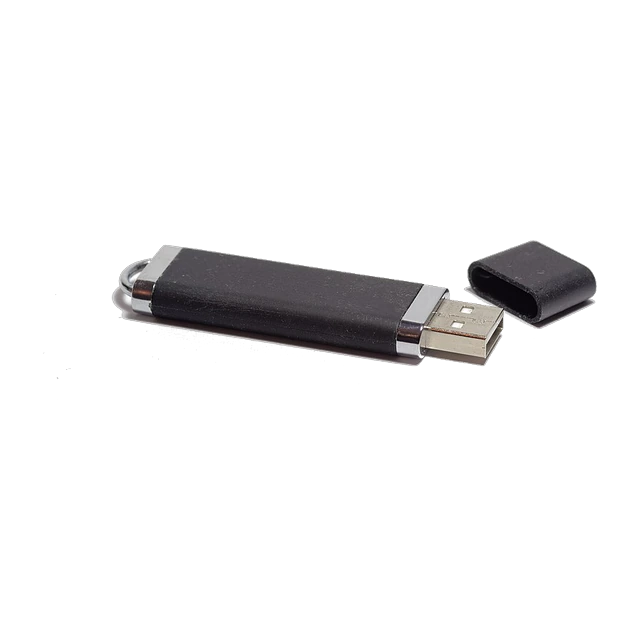
USB Flash Drive (16 GB or Larger)
ESSENTIALUsed to write and boot installers for your firewall software, server hypervisor (such as Proxmox VE), Linux or NAS operating system.
Some of your most powerful home lab tools cost nothing at all. Alongside a basic USB drive and password manager, free command-line and desktop utilities let you test real network speeds, check hard drive health and keep your entire lab documented.
Prepare these three simple items before you install a single operating system.
Used to write and boot installers for your firewall software, server hypervisor (such as Proxmox VE), Linux or NAS operating system.
Generates and stores strong, unique passwords and two-factor backup codes for every router, switch, server and app: keeping an offline emergency copy outside the lab itself.
Holds your network map, IP address list, VLAN table, drive serial numbers and step-by-step recovery notes (even a clean offline folder or printed binder works great).
Standard free utilities that prove your wiring, memory, Wi-Fi and hard drives are working at full health.
Tests real data throughput directly between two computers on your home network. Healthy links reach roughly 940 Mbps on 1 Gigabit, 2.3 Gbps on 2.5 Gigabit and 9.4 Gbps on 10 Gigabit.
Built into Windows, macOS and Linux. Instantly checks whether a device is reachable, measures response delay and traces which router hop traffic passes through.
nmap lists devices and open ports on your own network so you can verify your firewall is blocking what it should. Wireshark inspects live network packets when troubleshooting tricky issues.
smartctl reads built-in S.M.A.R.T. health sensors inside every SSD and hard drive to spot early failure signs. A memory tester verifies your server’s RAM has zero errors before you trust it with data.
Runs on a phone or laptop as you walk room to room, showing signal strength and crowded Wi-Fi channels so you can tune your access points cleanly.
These popular open-source tools are examples, not mandatory choices: pick the platforms whose documentation and workflow suit you best.
Runs on your router box to manage VLANs, firewall security rules, local addresses and encrypted remote VPN access.
Lets one server host many isolated virtual machines and containers, while ZFS protects stored files with mirroring and automatic error checks.
Automates encrypted 3-2-1 backups, triggers safe server shutdowns during power outages (NUT) and alerts you immediately if a drive or service needs attention.