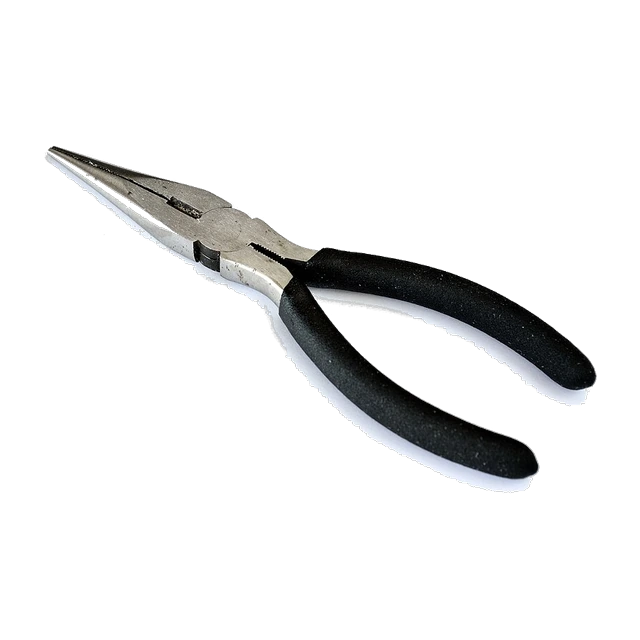
TOOLS REFERENCE

Installation, Assembly & Cabling Tools

You do not need a full technician’s toolkit. A small set of the right hand tools covers almost every physical task. Remember: if you buy ready-made network patch cords, you can skip crimping and punch-down tools completely.

Switch equipment off and unplug it from the wall before opening any case. Wear eye protection when cutting cable or wire ends, use a stable ladder when working up high, and never work on fixed household mains electrical wiring yourself: hire a qualified electrician.

CATEGORY 1.1Cable Termination and Preparation

Only buy termination tools if you are terminating permanent in-wall Ethernet cables yourself. Keep wire twists intact as close to the socket as possible, follow the colour code (T568A or T568B) consistently, and re-terminate if a test fails.

110-Type Punch-Down Tool (with Blade)

110-Type Punch-Down Tool (with Blade)

ESSENTIAL if terminating wall jacks or patch panels

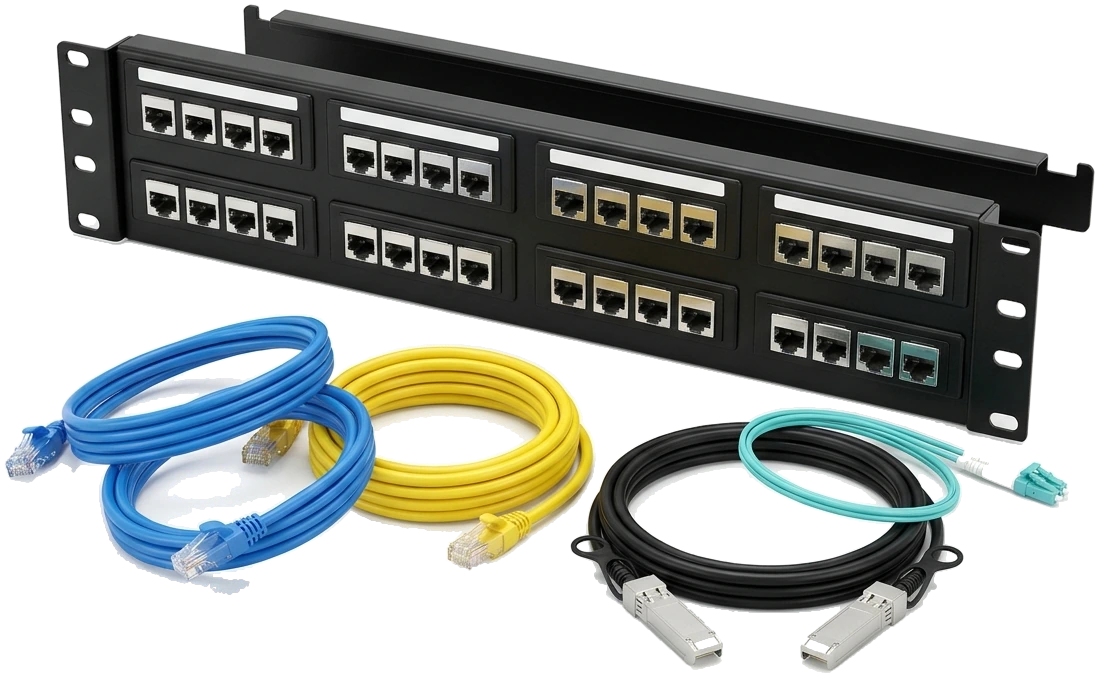
Pushes each thin copper wire neatly into a keystone jack or patch panel slot and trims the excess end automatically. Match the blade to your jack type and follow the same colour standard (T568A or T568B) on both ends.
Network Cable Stripper / Jacket Cutter

Network Cable Stripper / Jacket Cutter

ESSENTIAL if terminating cable

Scores and removes the outer plastic jacket of an Ethernet cable cleanly without nicking the delicate twisted copper pairs inside. Much safer and cleaner than using a utility knife.

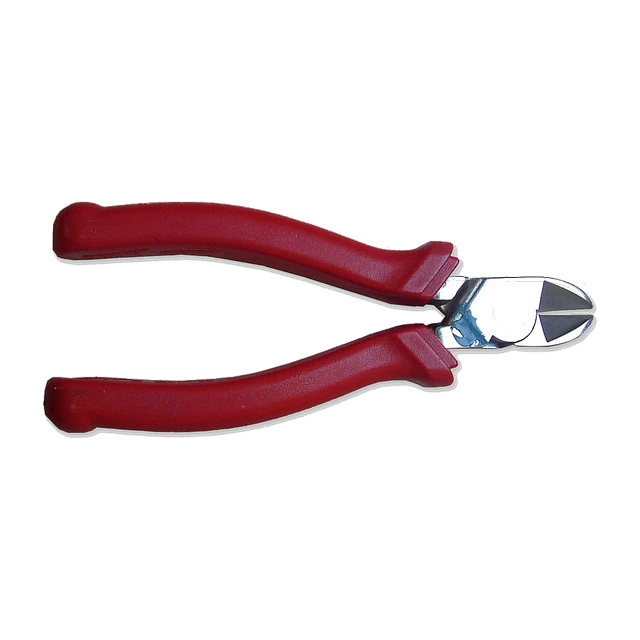
Flush Cutters / Snips

Flush Cutters / Snips

ESSENTIAL

Trims stray wire ends, packaging ties and cable sleeves flat and smooth without leaving sharp plastic or copper edges inside your workspace.

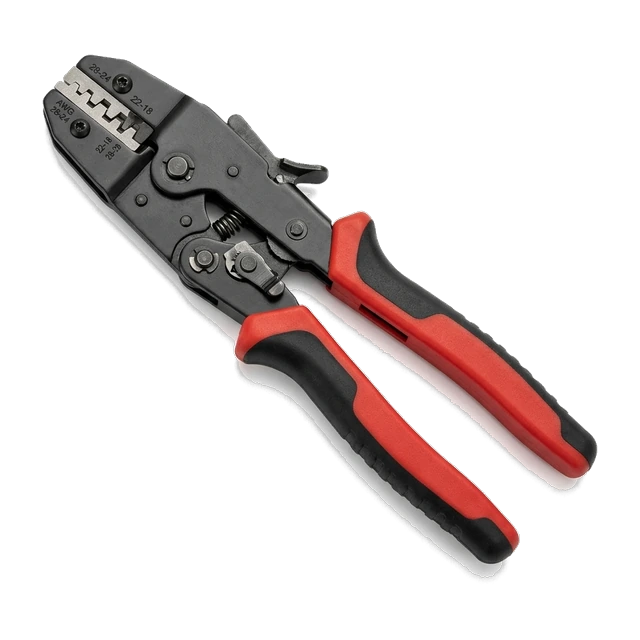
RJ45 Crimping Tool & Pass-Through Plugs

RJ45 Crimping Tool & Pass-Through Plugs

SPECIALISED

Used only if making custom-length flexible patch cords out of stranded cable and matching plugs. For permanent in-wall solid cable, terminate onto keystone jacks and a patch panel instead.

Cat6A Keystone Jacks (Consumable)

Cat6A Keystone Jacks (Consumable)

ESSENTIAL (consumable for wall runs)

The snap-in network sockets that terminate each end of your permanent in-wall cable runs. Match the jack category (Cat6A) to the cable category so full speed is preserved.

CATEGORY 1.2Assembly and Rack Installation

Basic mechanical and safety tools for building a server, fitting rack rails and mounting gear safely.

Magnetic Screwdriver & Bit Set

Magnetic Screwdriver & Bit Set

ESSENTIAL

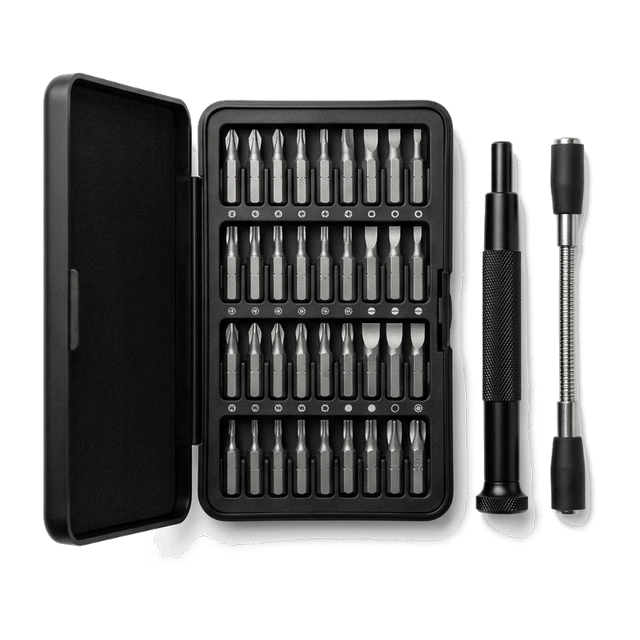
Includes Phillips, flat-head and Torx bits for server cases, hard drive trays and rack screws. Magnetic tips keep tiny screws from dropping onto circuit boards.

Cage-Nut Insertion & Removal Tool

Cage-Nut Insertion & Removal Tool

ESSENTIAL for racks

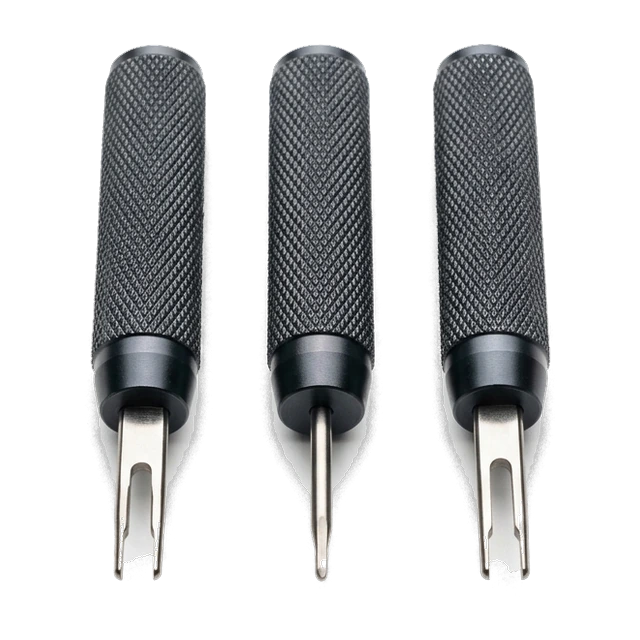
Snaps square-hole rack cage nuts in and out cleanly in seconds without slipping, scratching paint or pinching your fingers.

Tape Measure and Spirit Level

ESSENTIAL

Checks device depth against your rack or shelf before buying, measures cable distances accurately and ensures wall cabinets and floor racks sit completely straight and level.

Drill, Masonry Bits and Wall Anchors

Drill, Masonry Bits and Wall Anchors

CONDITIONAL (wall mounts)

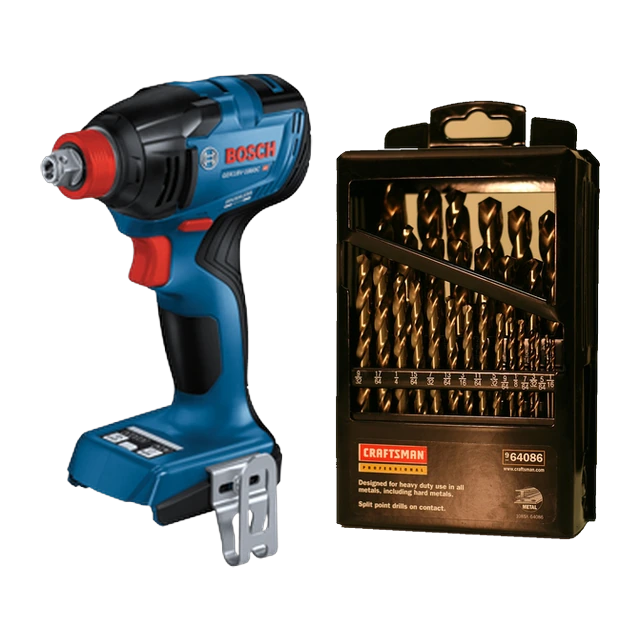
Needed only when bolting a wall-mount network cabinet into wall studs or masonry, or installing cable clips and wall raceways.

Fish Tape or Pull String

CONDITIONAL (in-wall cabling)

Guides permanent Cat6A cables smoothly through wall cavities, ceilings or plastic conduit without snagging or stretching the wire.

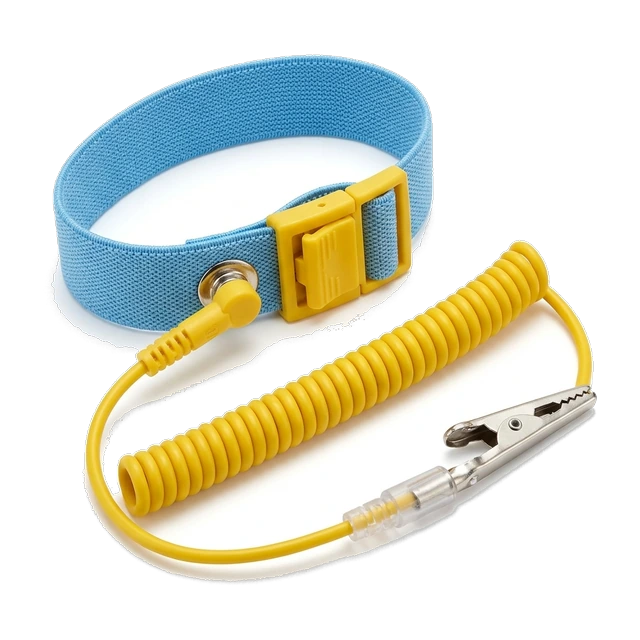
Anti-Static Wrist Strap and Anti-Static Bags

Anti-Static Wrist Strap and Anti-Static Bags

RECOMMENDED

Drains harmless static electricity from your body before touching computer memory, processors or expansion cards, and stores spare parts safely.

Hands-Free Headlamp

RECOMMENDED

Shines bright light directly where you are looking inside dark racks, server cases and ceiling spaces while keeping both hands free to work.

Torque-Limited Screwdriver

OPTIONAL

Clicks at a set tightness so you never accidentally over-tighten or strip delicate server and motherboard screws.

CATEGORY 1.3Cable Management and Labelling

Good labels and gentle ties turn a confusing tangle of wires into a tidy system anyone can troubleshoot in seconds.

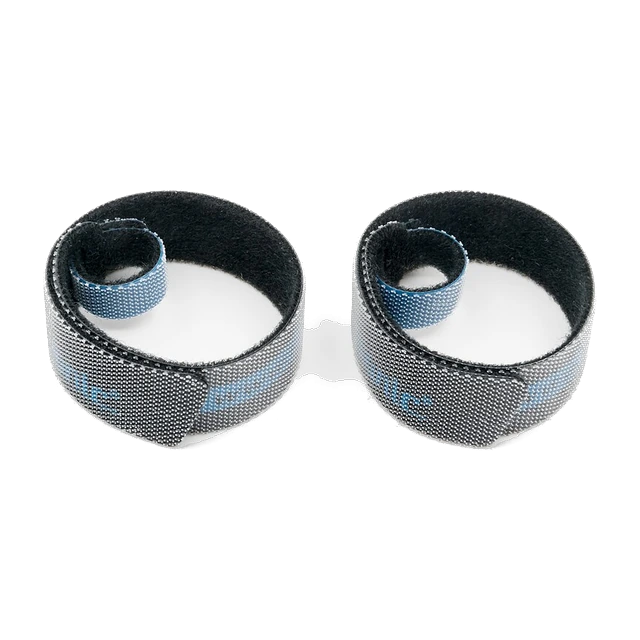
Velcro (Hook-and-Loop) Cable Ties

Velcro (Hook-and-Loop) Cable Ties

ESSENTIAL

Soft, reusable straps that bundle cables neatly and let you add or swap a wire anytime. Wrap them gently without squeezing network cables tightly.

Label Printer or Wrap-Around Cable Labels

Label Printer or Wrap-Around Cable Labels

ESSENTIAL

Labels BOTH ends of every cable and every port using a clear, consistent naming scheme (such as Room-01, Switch-P4) so you always know what plugs where.

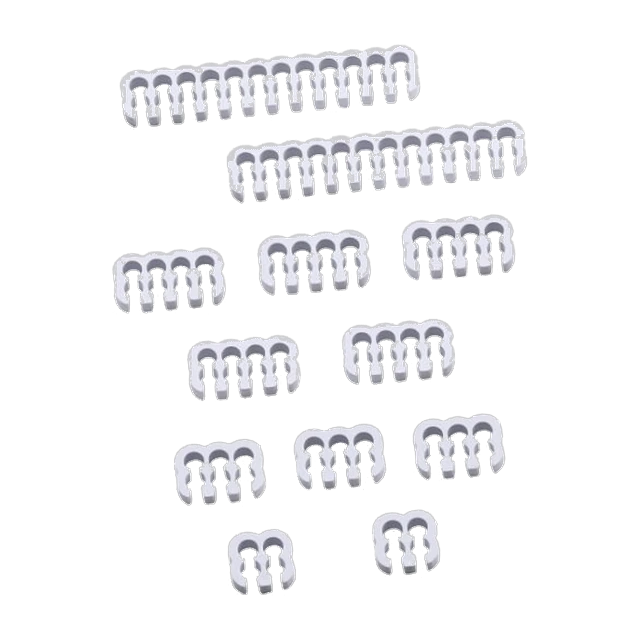
Cable Combs, Lacing Bars & Brush Panels

Cable Combs, Lacing Bars & Brush Panels

OPTIONAL

Organises parallel patch cords neatly and hides cable openings in rack setups for clean airflow and a tidy look.

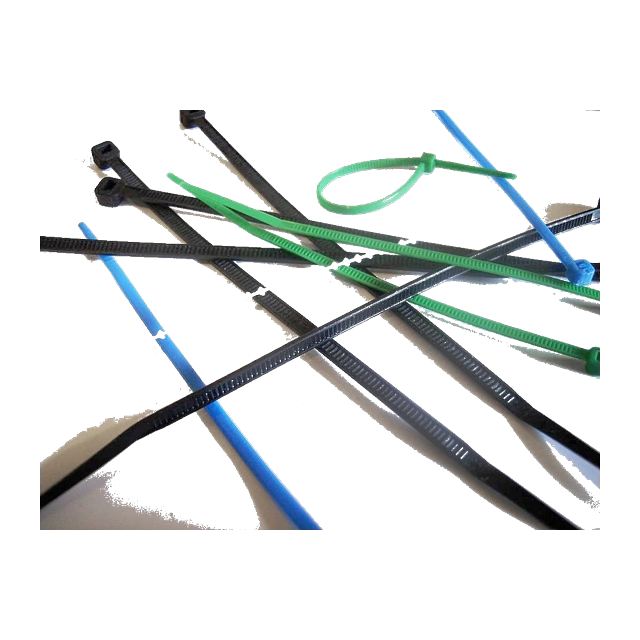
Nylon Zip Ties on Network Cable

Nylon Zip Ties on Network Cable

AVOID on network cable

Do NOT cinch plastic zip ties tightly around Ethernet or fibre cables. Tight zip ties crush the delicate twisted wire geometry inside and degrade network speed: always use soft Velcro instead.