01Room or Cabinet
Cool Intake & Warm Exhaust Paths
Cool air enters low at the front, passes across electronics, and warm air rises and exits at the back or top.
Electronics turn electricity into heat, and keeping them healthy mostly comes down to steady airflow: not expensive air conditioning.
Every device in your home lab needs a clear path to pull cool room air in and push warm exhaust air out. As long as warm air can escape and fresh room air can replace it, standard home temperatures work great without dedicated air conditioning.
Data-centre guidelines (ASHRAE) recommend inlet air roughly between 18 °C and 27 °C (64 °F to 81 °F). Just as important are keeping dust low with filters, avoiding damp basements or bathrooms, aligning every device front-to-back, and placing a simple temperature sensor that alerts you if things ever get too warm.
Even a quiet 50-watt home lab will slowly bake itself inside a completely closed closet with no vents. Adding a simple intake opening near the floor and an exhaust fan or vent near the top moves heat out effortlessly at almost zero cost.
Cool air enters low at the front, passes across electronics, and warm air rises and exits at the back or top.
Mount every switch, server and storage box facing the same airflow direction so one machine does not blow hot exhaust straight into its neighbour’s intake.
Simple washable mesh filters catch lint before it blankets heatsinks and forces cooling fans to spin louder.
Snap-in covers close empty gaps between rack devices so hot exhaust air from the rear cannot loop back around to the front.
A simple smart sensor or USB thermometer alerts your phone if room temperature spikes because a fan died or a door was shut.
In an open room with decent air movement, devices pull fresh air naturally and push warm air away without needing extra cabinet fans.
Quiet, low-speed fans mounted at the top or rear of an enclosed cabinet or cupboard pull rising warm air out continuously.
Inexpensive solid metal or plastic plates that seal empty U spaces inside enclosed racks to stop hot air from recirculating.
| Item / Factor | Tier | Practical Guidance |
|---|---|---|
| Room Inlet Temperature | Target | Roughly 18 °C to 27 °C (check each device’s rated limit) |
| Airflow Path | REQUIRED | Clear cool air intake and warm air exhaust; never seal inside a closed cupboard |
| Dust & Moisture | RECOMMENDED | Avoid damp rooms; keep dust off floors and clean intake filters quarterly |
| Temperature Sensor + Alert | RECOMMENDED | Alerts you immediately if cooling fails or a closet overheats |
| Cable Management (Velcro / Panels) | RECOMMENDED | Keeps wires out of fan intakes and exhaust paths |
| External IP-KVM (Remote Screen) | OPTIONAL | Lets you view BIOS/boot screens remotely if a server lacks built-in IPMI |
| Offsite / Second Backup Target | RECOMMENDED | Completes the 3-2-1 backup rule outside your main room |
An attic, garage or tiny closet that feels fine in winter can easily pass 35 °C in summer. Pick a cool, dry indoor spot year-round.
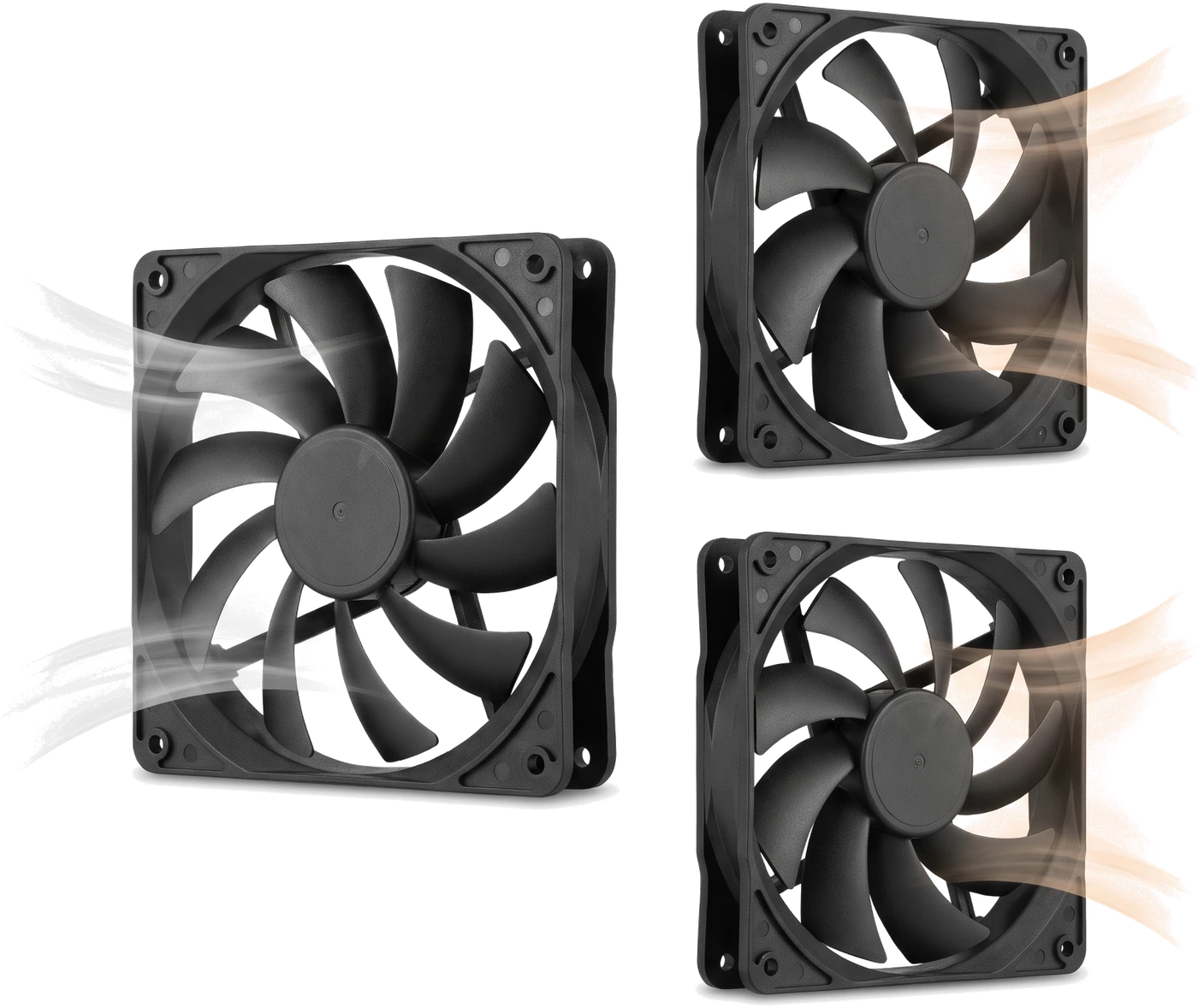
When adding cabinet or closet exhaust fans, pick larger 120 mm or 140 mm low-RPM fans: they move the same air as tiny fans with a fraction of the noise.
Most gear pulls air front-to-back, though some switches blow side-to-side or back-to-front. Check before placing them side by side.
A low-cost Wi-Fi or Zigbee temperature sensor paired with a phone notification catches overheating long before hardware is damaged.
Before buying noisy fan kits or cooling gadgets, pick a dry, ventilated spot with space around your gear. Good room airflow and clean dust filters do almost all the heavy lifting.
Enclosed cabinets must use perforated mesh doors and active exhaust fans rather than sealed solid doors.
Hard drives run happiest under 40 to 45 °C; keep steady gentle air moving across drive bays.
Air heats up nonstop until servers throttle, crash or burn out early.
Moisture corrodes circuit boards and heavy dust clogs fans within months.
Recycles hot air and causes needless thermal alarms.
A clogged intake filter silently raises hard drive temperatures by 10 to 15 °C.