Step 19: Establish Ongoing Maintenance and Recovery
Put a light, repeatable weekly-to-yearly care schedule and an offline Recovery Kit in place so your home lab stays fast, secure and easy to rebuild for years.
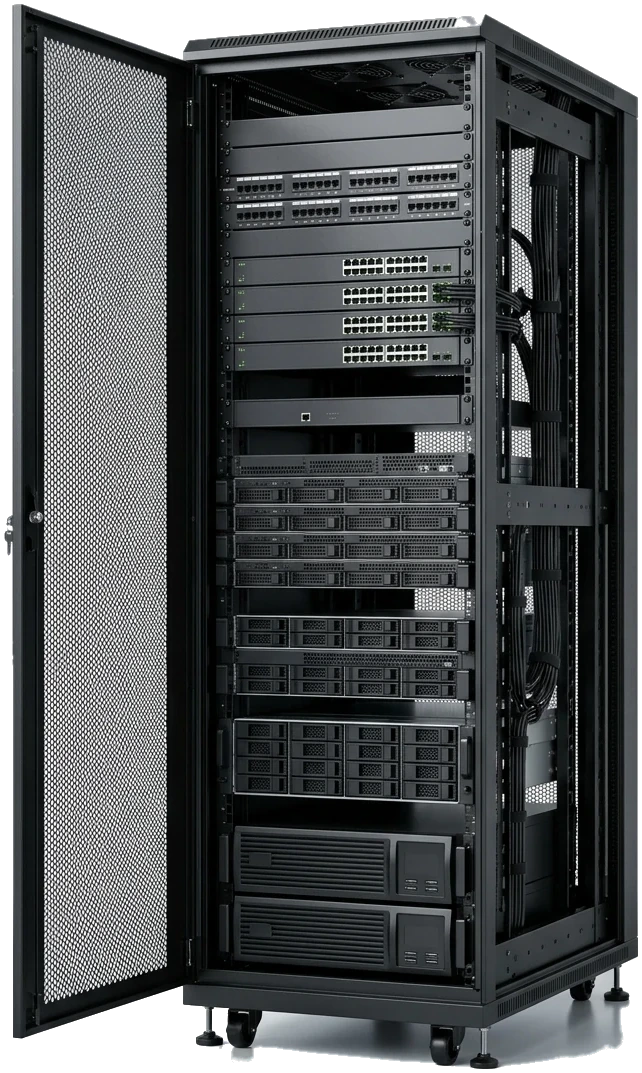
Step-by-Step Instructions
Follow a light, steady maintenance rhythm
You are the administrator of your home lab, so small regular habits prevent big emergencies. Spend five minutes a week glancing at alerts and backup status, update software once a month, test a restore and clean dust filters once a quarter, and check UPS battery health once a year.
Build your Offline Recovery Kit
Save offline copies (on a dedicated encrypted USB drive or printed folder stored OUTSIDE the lab) of your firewall and switch configuration backups, your network diagram and IP/VLAN table, your hardware list with drive serial numbers, and your step-by-step restore notes.
Keep emergency recovery passwords outside the lab itself
Never store your ONLY copy of your password manager vault, encryption keys or admin login details solely on the server you are trying to fix! Keep an encrypted offline emergency copy safely separated.
Simple Home Lab Maintenance Schedule
| How Often | Quick Task |
|---|---|
| Weekly (5 min) | Glance at monitoring alerts and confirm automated backup jobs succeeded |
| Monthly (20 min) | Apply firmware, OS and app updates; check S.M.A.R.T. drive health, free disk space and temperatures |
| Quarterly (30 min) | Test restoring a real file from backup; review firewall rules and user accounts; clean dust filters |
| Yearly (30 min) | Test UPS battery runtime and check battery age; review storage capacity and update your network diagram |
| As Needed | Replace ageing drives or UPS batteries before they fail completely; keep notes up to date |
Important Warnings & Precautions
- If your password manager is hosted ONLY inside your home lab with no offline emergency copy, a server failure can lock you out of your own backups.
- Replace ageing UPS batteries every 3 to 5 years before they fail silently.
Step 19 Completion Checklist
Confirm every item below before moving to the next step:
- Weekly, monthly, quarterly and yearly maintenance reminders added to your calendar.
- Offline Recovery Kit created (firewall/switch configs, diagram, IP plan, serial numbers, restore steps).
- Emergency admin credentials and backup encryption keys stored safely outside the lab.
Relevant Equipment in This Step
Open any equipment page to review its parts, types and compatibility: