Step 04: Prepare the Installation Space
Pick a dry, clean, well-ventilated spot with safe wall power, adequate space for doors and cables, and solid floor or wall support.
Step-by-Step Instructions
Choose a cool, dry spot with genuine airflow
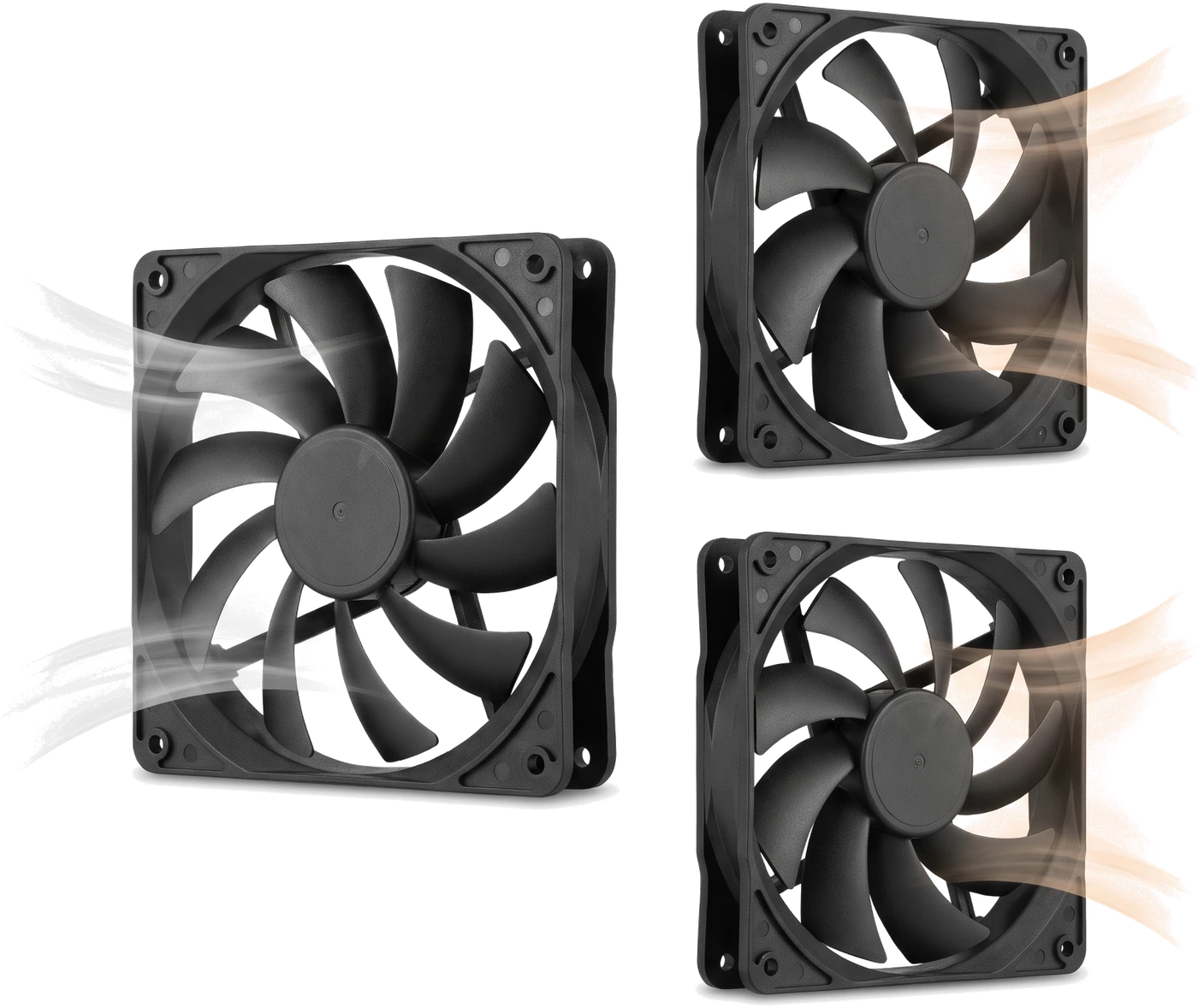
Heat, dust and dampness cause most hardware failures. Pick a dry indoor room roughly between 18 °C and 27 °C where fresh air can flow in and warm exhaust air can escape freely: never seal electronics inside an unvented cupboard.
Check physical space, floor strength or wall studs
Measure doorways, hallways and service space in front and behind your shelf or rack. If mounting a cabinet on a wall, locate solid wall studs or masonry; if installing a heavy floor rack, verify floor support.
Verify safe electrical sockets on a suitable circuit
Confirm you have grounded wall sockets that are not already overloaded by space heaters or heavy appliances. If you need a new electrical outlet or circuit, always hire a qualified electrician.
Important Warnings & Precautions
- Never seal running servers or PoE switches inside a closed closet with no intake or exhaust airflow.
- Never overload a single wall outlet or attempt fixed mains wall wiring yourself: call a qualified electrician.
Step 04 Completion Checklist
Confirm every item below before moving to the next step:
- Space measured with clear front and rear access.
- Cool, dry room ventilation confirmed.
- Grounded wall power verified (and electrician consulted if new outlets are needed).
Relevant Equipment in This Step
Open any equipment page to review its parts, types and compatibility: