Step 15: Configure Storage Pools and Backups (3-2-1 Rule)
Create redundant storage pools with least-privilege shares, automate encrypted 3-2-1 backups including an offline/immutable copy, and prove you can restore real files.
Step-by-Step Instructions
Create your redundant storage pool and least-privilege shares
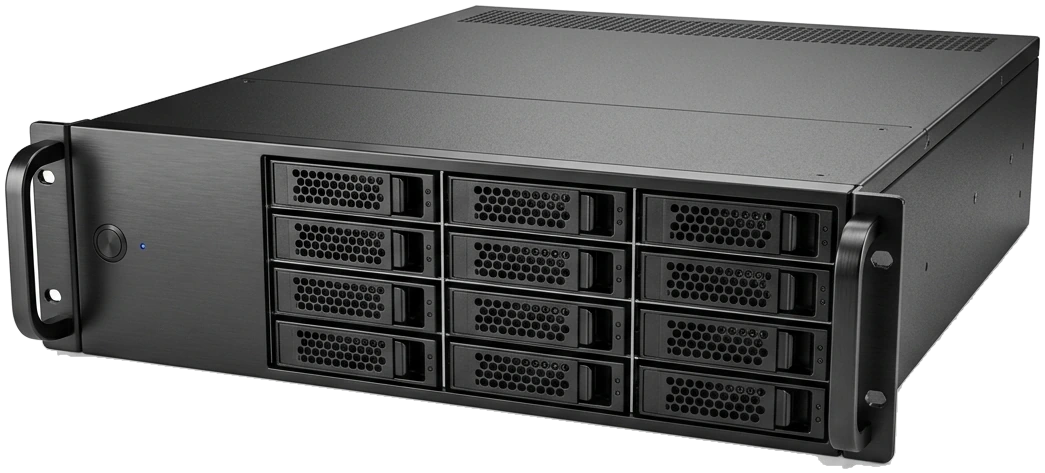
Build your ZFS or RAID storage pool using the safe layout you chose on the Equipment page (Mirror for 2 drives, Striped Mirrors for speed, or RAIDZ2 for 6+ large drives). Create separate folders/shares for each family member or app, giving each account access ONLY to what it needs.
Build true 3-2-1 backups with an offline or immutable copy
Apply the 3-2-1 backup rule: keep 3 copies of important data, on 2 different types of storage media, with at least 1 copy stored offsite. Keep at least one backup offline (unplugged) or immutable (cannot be overwritten) and encrypted: CISA security guidance stresses this because ransomware actively hunts for writable network backups.
Automate backup schedules and TEST a real restore right now
Set up automated encrypted backup jobs (such as Proxmox Backup Server, Restic, Borg or ZFS replication). Then actually restore a test file AND a full virtual machine from your backups: an untested backup is just a hope, not a backup.
Important Warnings & Precautions
- Snapshots stored on the same hard drives are NOT a separate backup.
- Never leave your main backup target mounted as writable from the same server it is supposed to protect.
Step 15 Completion Checklist
Confirm every item below before moving to the next step:
- Redundant storage pool created with automatic monthly integrity scrubs scheduled.
- Shared folders protected with individual least-privilege permissions.
- Automated encrypted 3-2-1 backups configured (including offline/immutable offsite copy).
- Test file restore AND full VM restore completed successfully.
Relevant Equipment in This Step
Open any equipment page to review its parts, types and compatibility: